Automated Tests: How to Write and Run Them in CI
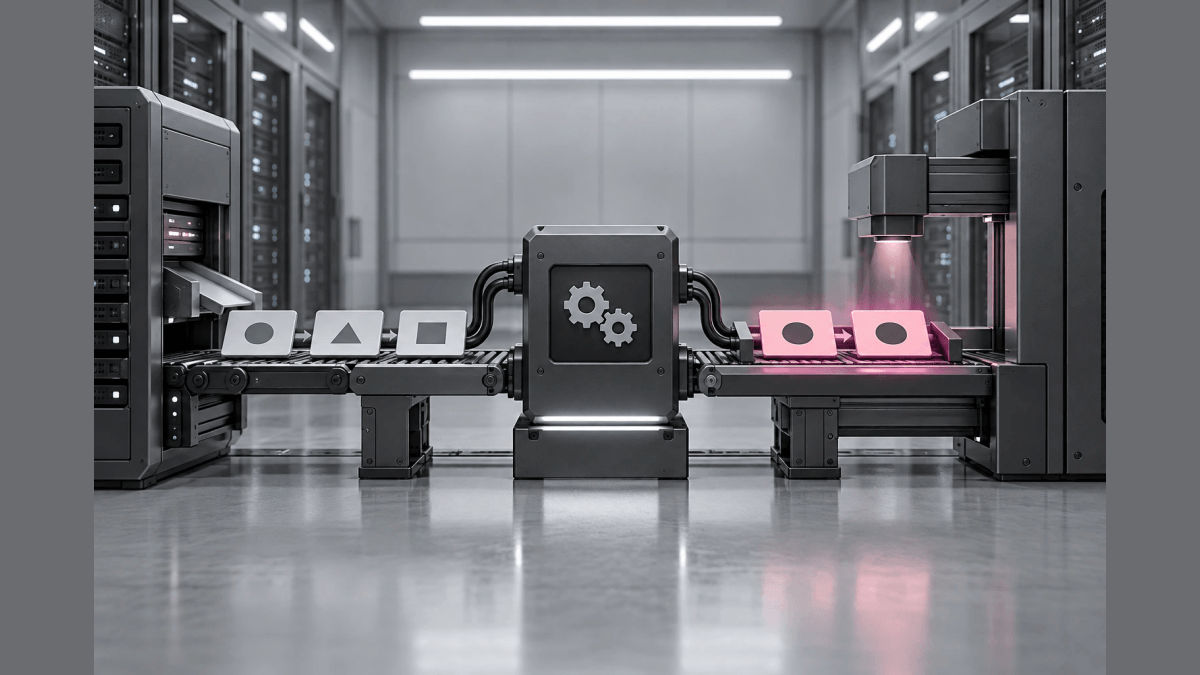
- Arrange
- Act
- Assert
Automated tests are tests that a program runs and checks without a person, comparing the actual result of the code under test with the expected result. Test automation is the use of software, separate from the software being tested, to control the execution of tests and compare the actual outcome with the predicted outcome. Teams run automated tests on every change in a CI pipeline, so a broken change fails within minutes instead of reaching customers.
This guide is for developers on teams that ship web services and APIs from one mainline, as in trunk-based development. It closes a gap that many test automation guides leave open: they list the test types and tools, but not the unfixed inputs that make a suite pass on Monday and fail on Tuesday with no code change. After reading, you can write one automated test, run the suite in CI from fast to slow in 4 steps, and fix the inputs that make tests flaky. It also covers the difference from manual testing, the main types, and the tools teams combine. Re-checking old behavior after a change has its own guide, regression testing in CI.
What are automated tests?
An automated test is a piece of code that sets up an input, calls the system under test, and asserts that the output matches an expected value. The test runner executes the tests and reports pass or fail without anyone watching. Test automation supports testing without manual interaction, which can lead to faster test execution and testing more often, and it is a key aspect of continuous testing and of CI/CD.
The purpose of automated testing is fast, repeatable feedback on every change. Each automated test answers one narrow question: given this input, does the code still produce this output. A test that someone never wrote cannot catch a defect, so an automated suite covers just the behaviors the team recorded as cases.
Automated testing vs manual testing
Automated testing repeats the same checks on every change at machine speed, while manual testing uses a person’s judgment on behavior that is hard to state as an assertion. The DORA capability page Test automation (checked October 5, 2026) says manual regression testing “is time-consuming to execute and expensive to perform,” and that “people are poor at repetitive tasks like manual regression tests.” The same page keeps manual work for exploratory, usability, and acceptance testing, and recommends running “both automated and manual tests throughout the delivery process.” For the same reason, automated tests do not replace beta testing: automated tests check behavior the team already specified, while beta testing puts a release in front of real users to find what nobody specified.
| Automated tests | Manual testing | |
|---|---|---|
| Who runs the check | A test runner in CI or on a workstation | A tester or developer |
| Good fit | Repeated checks of known behavior on every change | Exploratory and usability testing, new behavior nobody has specified yet |
| Cost pattern | Cost to write and maintain the tests, then each run is cheap | Each run costs a person’s time |
| Main risk | Flaky tests that fail without a real defect | Missed steps on repetitive checks |
What are the types of automated tests?
The common types differ in scope: how much of the system one test touches. Test type names do not have particularly rigorous definitions, so the table below states the scope of each type.
| Type | Scope |
|---|---|
| Unit tests | One function, method, or class in isolation |
| Component tests | One component, a testable chunk of work such as a class with external dependencies, with its dependencies mocked out |
| Integration tests | A small grouping of components, modules, or subsystems together, sometimes with a real test database |
| Acceptance and end-to-end tests | A running app or service, checked against business acceptance criteria |
| Smoke tests | A quick check that completes very quickly and shows the codebase is in a usable state, such as login working |
| Regression tests | Existing behavior after a change, including old bugs, so old bugs are not reintroduced |
| Visual tests | Screenshots compared with a known good state, such as a previous screenshot |
DORA recommends running “faster-running unit tests” before “slower-running acceptance tests,” and adding a unit test whenever a slower test or a person finds a defect, so the same defect is “caught faster, earlier, and cheaper next time.” DORA cites Mike Cohn’s test automation pyramid for that proportion, with most errors caught by unit tests.
Regression tests appear in the table as a type, but a regression test is defined by its purpose, re-checking behavior that already worked, and an automated test is defined by the way the test runs. Most regression suites are automated, and the regression testing guide covers how to choose and run regression cases in CI.
Automated tests vs unit tests
A unit test is one type of automated test, and an automated test is any test a program runs. Every unit test in a CI suite is an automated test, but an automated suite also holds integration, acceptance, and visual tests that a unit test does not cover. The unit tests guide covers how to write and scope unit tests.
How to write an automated test
Write each automated test in three parts. Arrange sets up a fixed input and a known starting state, Act calls the code under test, and Assert compares the actual result with the expected result. The example below is an editorial example, not a customer case, written for the Vitest test runner. The function shippingFee returns 0 for orders of $50 or more and 5 otherwise.
import { describe, expect, it } from "vitest";
import { shippingFee } from "./shipping";

describe("shippingFee", () => {
  it("charges nothing at the $50 threshold", () => {
    // Arrange: a fixed order total on the boundary
    const total = 50;
    // Act: call the code under test
    const fee = shippingFee(total);
    // Assert: compare with the expected value
    expect(fee).toBe(0);
  });

  it("charges $5 just below the threshold", () => {
    expect(shippingFee(49.99)).toBe(5);
  });
});
The two cases sit on each side of the $50 boundary, because a defect in a comparison such as > instead of >= changes the result exactly at the boundary. A test name that states the expected behavior, such as “charges nothing at the $50 threshold,” tells the reader what broke when the test fails in CI.
The same three parts apply at the interface level. A common example is a login check: a test opens the login page in a headless browser, submits a test account, and asserts that the dashboard loads. Headless browsers and Selenium WebDriver are the usual way to drive a website in automated GUI tests.
How to run automated tests in CI
1. Start with one test of each kind
Wire one unit test, one acceptance test, and a deploy script together before adding coverage. DORA suggests exactly that skeleton for teams without enough automation: “create a single unit test, a single acceptance test, and an automated deployment script,” then “incrementally increase test coverage.”
2. Run the tests on every change
Make the CI pipeline run the suite on every push and block a merge when a test fails. The CI/CD pipeline guide covers where the test stage sits between build and deploy.
3. Order the suite from fast to slow
Run unit tests first and acceptance tests after the unit tests pass, so most failures arrive in minutes. DORA recommends that developers “get feedback from automated tests in less than ten minutes both on local workstations and from the continuous integration system.”
4. Treat every failure as a defect or a fix to the test
A failed test is either a real defect or an expectation that the change made obsolete. Fix the code for a real defect, update the test in the same change for an obsolete expectation, and quarantine nothing silently. When a failure is hard to locate in the history, git bisect can run the same automated test across commits to find the first bad one.
Practices that keep automated tests reliable
A test that passes on Monday and fails on Tuesday with no code change is a flaky test, and DORA’s guidance is direct: “don’t tolerate flaky tests.” Most flaky tests read an input that the test did not fix, so make every input the code reads an explicit part of the test.
- Test data: each run starts from the same fixtures, not from a shared database that other runs change.
- Dependency versions: the lockfile, not the latest release, decides what the test installs.
- The clock: a test that compares dates passes a fixed time instead of reading the time of the machine running the job.
- Configuration: the test sets the configuration values the code under test receives instead of reading a shared environment.
- Test independence: each test sets up its own state, so tests pass in any order and in parallel.
- Ownership: the developers who change the code write and maintain its tests, which DORA lists as the setup that keeps a suite current.
What tools are used for automated testing?
Automated testing uses three kinds of tools together: a test framework that defines the cases and assertions, a driver for the interface under test, and a CI system that runs the suite on every change. Selenium WebDriver and headless browsers drive web interfaces, and API tests call the service directly. The question has no fixed top five: choose a test framework for each language in the codebase, a driver for each interface the tests touch, and one CI system that runs all of them.
Pin the flag version your automated tests run against with Loglune
When feature flags decide behavior, a flag rule edited in a console changes what the code does without a commit, so a test that reads live flag values can fail for a reason that is not in the diff. Loglune lets an automated test name the flag version it runs against. Testing every combination of flag values is covered in testing flags. Publishing a flag draft creates an immutable version with a number that only increases, and evaluation is a pure function of the version and the evaluation context.
- Request: the Loglune SDK, the OpenFeature provider, and the CI regression entry point all send the same
POST /api/flagsrequest, and production evaluation and reproduction share one evaluation engine. - Version: the delivery key goes in
Authorization: Bearerand the version goes in theX-Loglune-Versionheader as a decimal of 1 or more, never in the URL. A bad header returns 400 invalid_version, and a missing version returns 404 not_delivered. - Clock: the body is
{ context: { key, attributes, evaluatedAt? }, flag? }, and without evaluatedAt, reproduction mode treats time-based conditions as not met instead of reading the CI machine’s clock. - Plans: every plan can evaluate a pinned version in development, CI, or staging, including Free, which has no production evaluation. SDK evaluations are not counted as reproductions, and the Free plan includes 5 reproductions of the flag state at a time T (pricing).
On October 5, 2026, a Vitest test on a local copy of the shipped POST /api/flags route sent synthetic requests for the flag holiday-banner. Version 1 serves true after November 1, 2026, and version 2 moves that date to December 1, 2026. Three of the five lines the test printed, copied word for word:
run1 X-Loglune-Version=1 evaluatedAt=2026-11-15T09:00:00.000Z -> 200 holiday-banner=true
run4 X-Loglune-Version=1 evaluatedAt=(none) -> 200 holiday-banner=false
run5 X-Loglune-Version=2 evaluatedAt=2026-11-15T09:00:00.000Z -> 200 holiday-banner=false
run2 and run3 repeated run1 and printed the same answer. run4 shows the missing time falling back to the default, and run5 shows a rule edit changing the answer, so a test pinned to version 1 catches the edit. Loglune guarantees that the flag evaluation matches production, not the root cause of an application failure, so a defect inside the code path still needs an ordinary assertion.
Run automated tests on the flag state production served
Send the same POST /api/flags request your SDK sends, with the version number in the X-Loglune-Version header, and your automated tests in CI evaluate that exact flag version through the engine that serves production. Every plan can evaluate a pinned version, including Free.